Does the app assess students automatically?
No. It organises your evidence and records; you remain responsible for assessment.
Teachers Little Helper
See your class and each student’s work in one place. Teachers Little Helper combines a student gallery, assignments and an assessment overview with teacher notes and learning goals to help prepare lessons and student feedback.
Download for Windows, Mac or Linux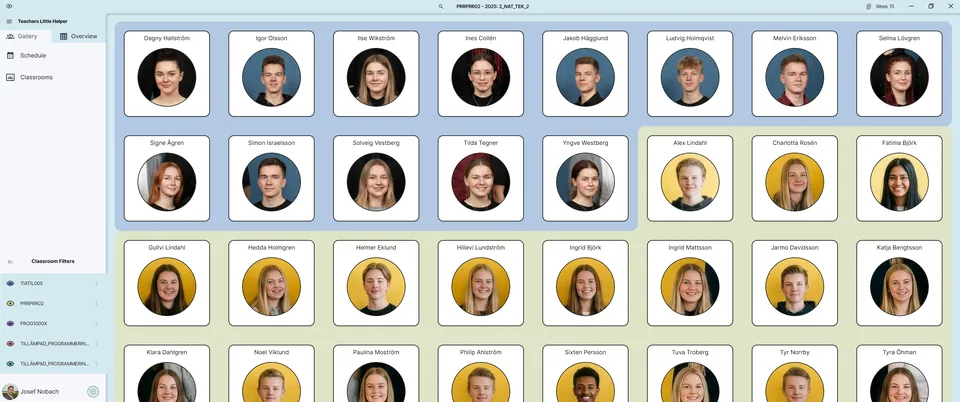
Browse student cards with photos where available, then review the student’s assignments. Keep the connection between the student, class and submitted work visible.
Use the assessment overview to review information across assignments and subjects and identify work to follow up. It supports teacher organisation; the teacher makes the assessment decisions.
Save your own notes, goals and assessment records as preparation for feedback and future lessons. Available provider data and synchronisation depend on the integrations you enable.
In this fictional example a student has several submissions. You need to choose which piece of work to discuss together.
Open the student overview, select the student and review the submissions. Compare your saved notes with the work and choose a specific next step to follow up.
Fetch new submissions before drawing conclusions. A local overview shows saved data and may need to be refreshed over the internet.
No. It organises your evidence and records; you remain responsible for assessment.
No. Photos are an optional aid to identifying students.
The app stores data locally and can synchronise selected information between authorised devices. Provider data, teacher-owned records and local files have different synchronisation workflows.